
WALLPAPERS & VISUAL WORLDS
Create a scene worth coming back to.
Design for the screen around the image, from a quiet lock screen to a wide desktop scene.
Create with Vismuse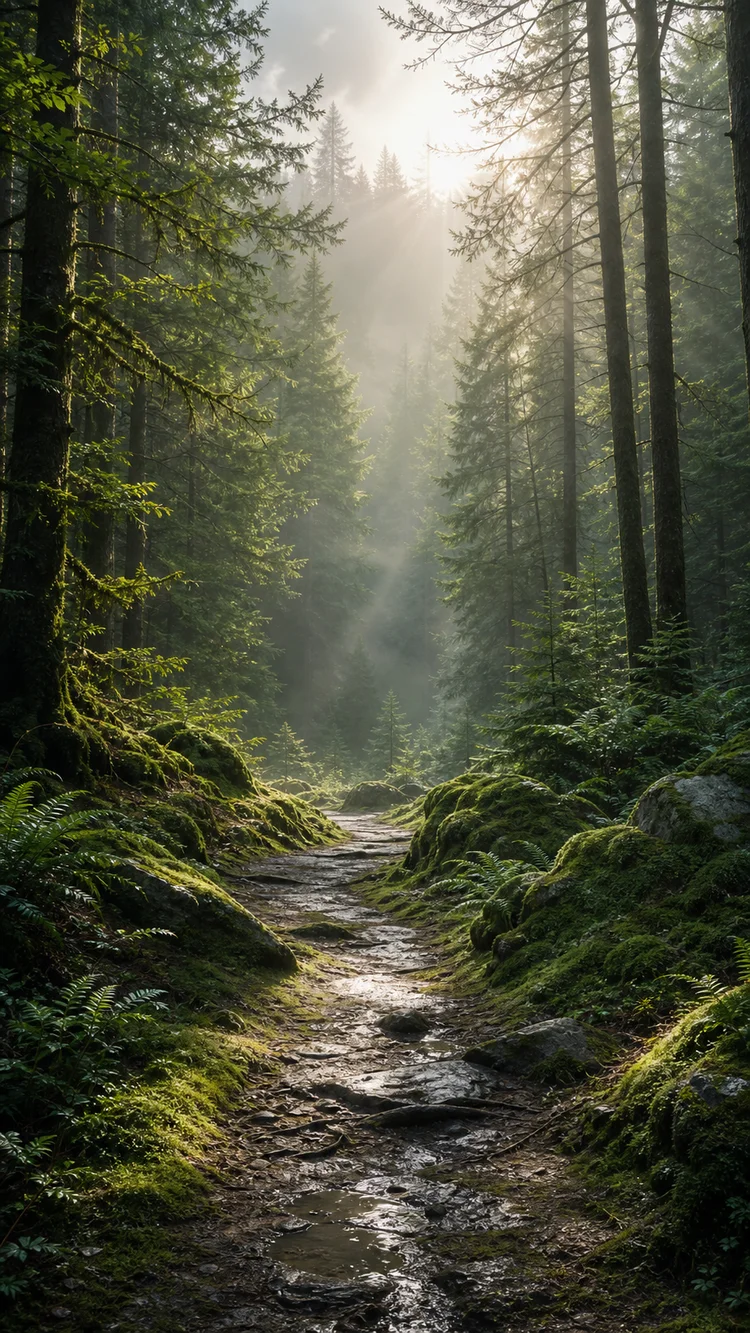
Start with the screen shape
Decide on phone or desktop before describing the scene. A tall forest composition and a wide mountain landscape use space differently. Give the intended aspect ratio and leave breathing room around the subject so a device crop does not remove the focal point.
Leave useful negative space
Think about where the clock, widgets, and app icons will appear. Ask for lower detail in those areas rather than adding interface elements to the artwork. A beautiful image can make a poor wallpaper if every part competes with the information on the screen.
Adjust the scene for readability
Preview the artwork on the intended device. If icons disappear against the background, reduce contrast or detail in that region. Preserve the main scene while asking for a quieter sky, a darker edge, or a softer light source.
Check the actual exported dimensions
A prompt requesting a high-resolution wallpaper does not prove the resulting file has those dimensions. Inspect the downloaded image and test the crop. Keep the original file so you can prepare separate desktop and mobile versions without repeatedly resizing a compressed copy.
Common questions
Can one image work on phone and desktop?
Sometimes, but different crops may need different compositions. Keep the subject away from critical edges or create separate versions.
Should the clock be generated into the image?
Usually no. Leave room for the device’s real clock and widgets instead.
Prompts and workflow advice are editorial examples. For model information, see OpenAI’s Images 2.5 announcement. Published September 8, 2026.
PUT YOUR NEXT IDEA IN MOTION
What will you imagine next?
Bring your next creative idea to Vismuse AI Image Maker.