
TEXT TO IMAGE
Turn a written brief into a visual direction.
Start without a reference image by making a few deliberate decisions about what the viewer should see.
Create with Vismuse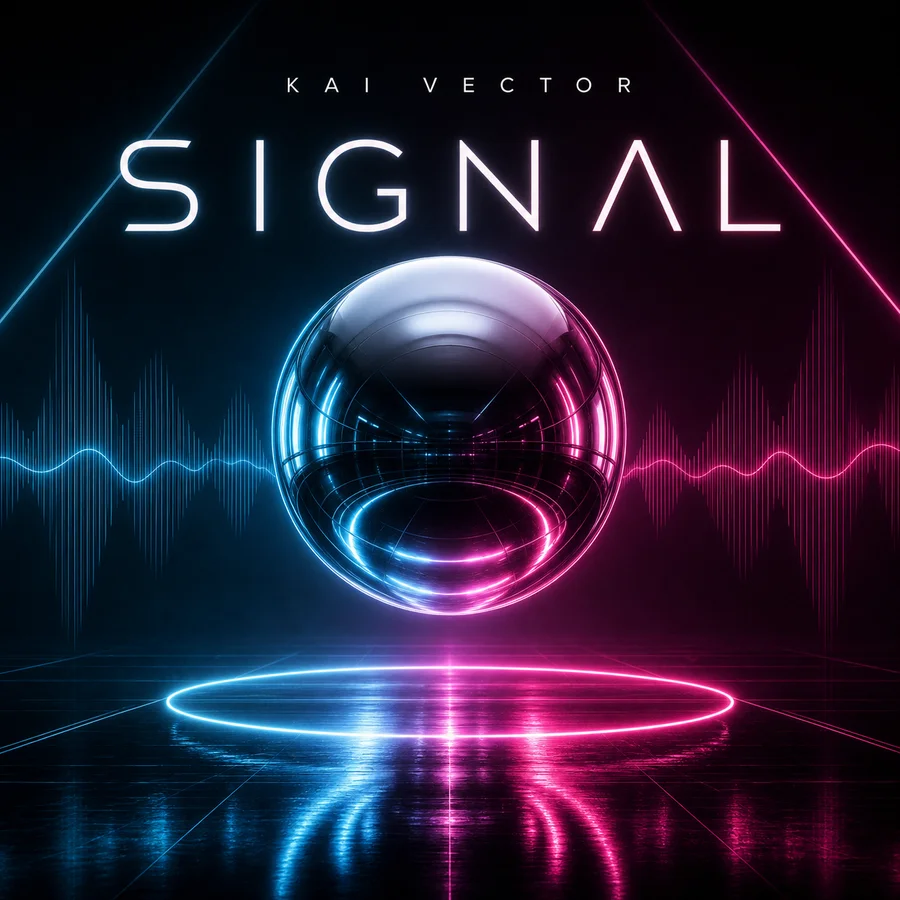
Define one job for the image
State whether you need a background, a cover, a product concept, or an illustration. This changes how much empty space, detail, and text the result needs. Describe what the image must communicate before choosing stylistic adjectives.
Write the brief in a useful order
Lead with the subject and scene, then add composition, lighting, palette, and constraints. Include exact copy only if lettering is necessary. If two instructions conflict, resolve them before generating: a crowded scene cannot also be a minimal single-object composition.
Evaluate the first draft against the brief
Look first at subject, framing, and visual hierarchy. Correct those before spending time on small textures. Keep notes on what works so your next instruction does not accidentally discard the strongest part of the image.
Know when to introduce a reference
If repeated prompts produce the wrong arrangement, use a sketch or an approved image to communicate the layout. If you are representing a specific existing product, a source photo can be more useful than a longer text description. Move to the reference-image guide for that workflow.
Common questions
Do longer prompts always work better?
No. A focused brief with compatible requirements is more useful than a long list of styles and contradictory details.
Where do I generate the image?
This site is a guide. The primary buttons open Vismuse AI Image Maker; they do not run a model inside this page.
Prompts and workflow advice are editorial examples. For model information, see OpenAI’s Images 2.5 announcement. Published September 8, 2026.
PUT YOUR NEXT IDEA IN MOTION
What will you imagine next?
Bring your next creative idea to Vismuse AI Image Maker.