
FLYERS & EVENT POSTERS
GPT Image 2.5 flyer creation guide.
Build a flyer around the information people need first: what is happening, when, and where.
Create with Vismuse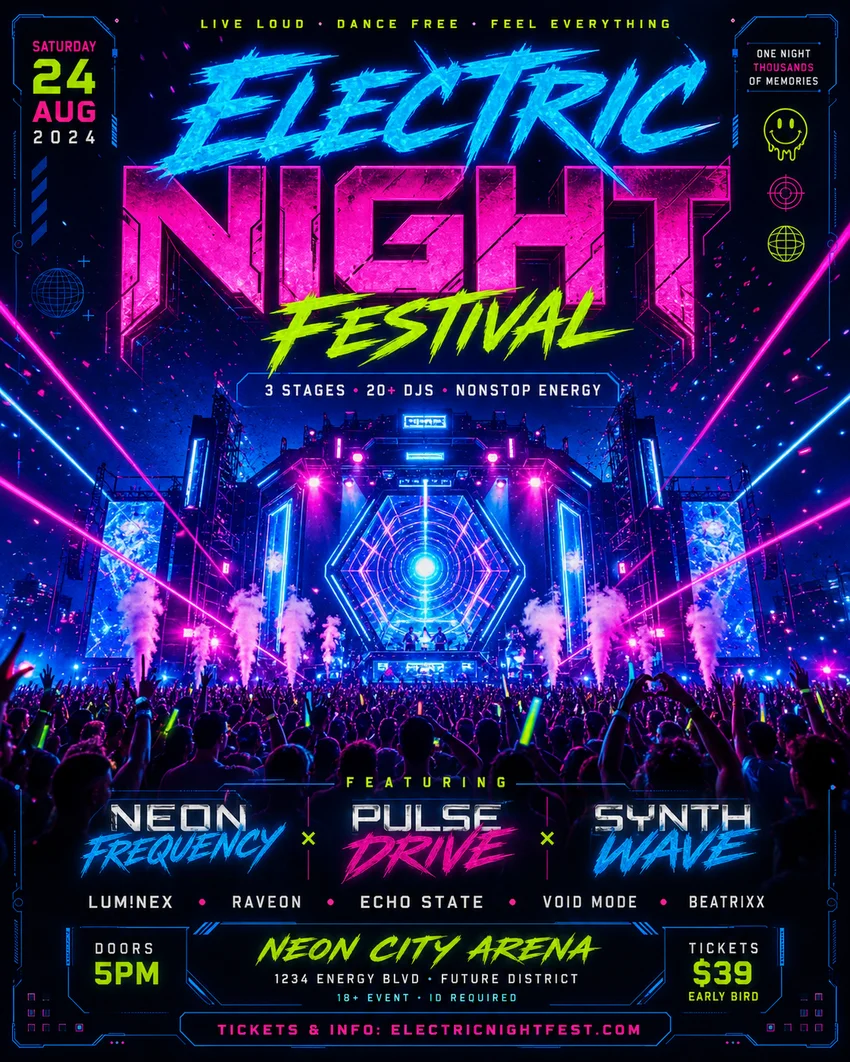
Prepare the event copy
Write the approved headline, date, time, location, and booking instruction before starting. Rank them by importance. A concert flyer may lead with the artist or event name; an open-house flyer may need the address and viewing time to be just as prominent.
Choose a layout that works at a glance
Specify a portrait, square, or landscape composition based on placement. Reserve a quiet area for the event details. Ask for a single dominant image rather than several competing subjects, especially when the final flyer will appear in a small social feed.
Revise the message without losing the concept
If the first result is too busy, ask to simplify the background behind the date and venue. If the event changes, quote only the replacement text and identify its position. Compare the revision against the approved event copy, including every number.
Check the final output
Inspect the flyer at full size and as a thumbnail. Verify spelling, contrast, margins, and text order. For a printed flyer, obtain the printer’s actual dimensions and bleed requirements and prepare a production file accordingly. An attractive preview alone does not establish print readiness.
Common questions
Should I put every event detail in the prompt?
Include approved essential copy, but move long descriptions to the event page. A shorter information hierarchy is easier to read on the flyer.
Can I use the sample prompt for a real event?
Replace every fictional detail with approved information and review the result before publishing.
Prompts and workflow advice are editorial examples. For model information, see OpenAI’s Images 2.5 announcement. Published September 8, 2026.
PUT YOUR NEXT IDEA IN MOTION
What will you imagine next?
Bring your next creative idea to Vismuse AI Image Maker.