
PORTRAITS & CHARACTERS
Build a portrait around a point of view.
A strong portrait brief connects the person, the setting, and the light without overwhelming the image.
Create with Vismuse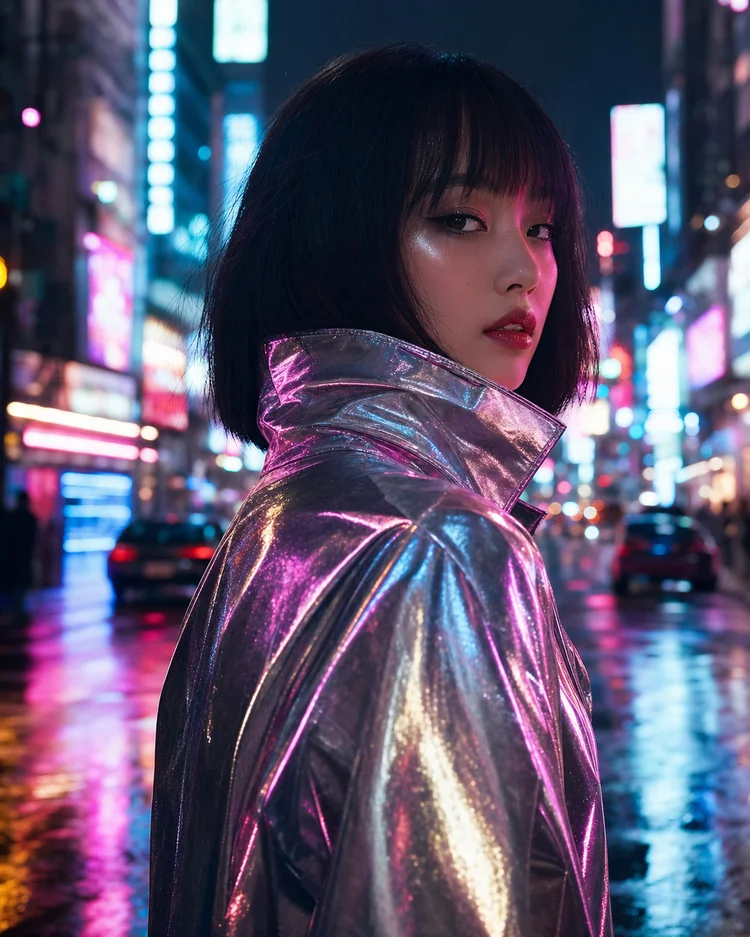
Choose the purpose and framing
A profile image needs a readable face at small sizes; an editorial portrait can give more space to clothing and setting. State the crop and eye direction early. Avoid mixing a close-up face brief with a full-body wardrobe description unless both views are requested separately.
Make the lighting instruction concrete
Describe where the light comes from and what it should do. Soft window light from one side is more actionable than a string of cinematic adjectives. Choose one main source and use the background to support it rather than introducing several conflicting lighting schemes.
Working with a person’s reference photo
Use a clear reference you are authorized to use and name the visible traits to preserve. Separate changes to styling or setting from changes to the face. Judge resemblance by comparing images directly, not only by whether the new portrait looks polished.
Inspect the small details
Check eyes, glasses, earrings, hands, hair edges, and clothing transitions. Review whether the skin looks unnaturally smooth or the expression changed from your intention. Ask for a focused correction instead of restarting the entire portrait with a contradictory brief.
Common questions
How do I avoid an overly processed portrait?
Ask for natural skin texture and restrained retouching. Use a clear lighting brief and inspect the output at full size.
Can the sample prompt depict a real person?
The sample describes a fictional adult. A real-person workflow should start with an appropriate reference and explicit preservation instructions.
Prompts and workflow advice are editorial examples. For model information, see OpenAI’s Images 2.5 announcement. Published September 8, 2026.
PUT YOUR NEXT IDEA IN MOTION
What will you imagine next?
Bring your next creative idea to Vismuse AI Image Maker.